Paste the script
Medrak separates spoken lines from directions and keeps the current line locked in view.
Something went wrong while starting the app. Nothing has been lost — your projects, takes and prep are stored safely and will be there when it opens.
Reloading usually fixes it. If it keeps happening, send us the message below and we'll sort it.
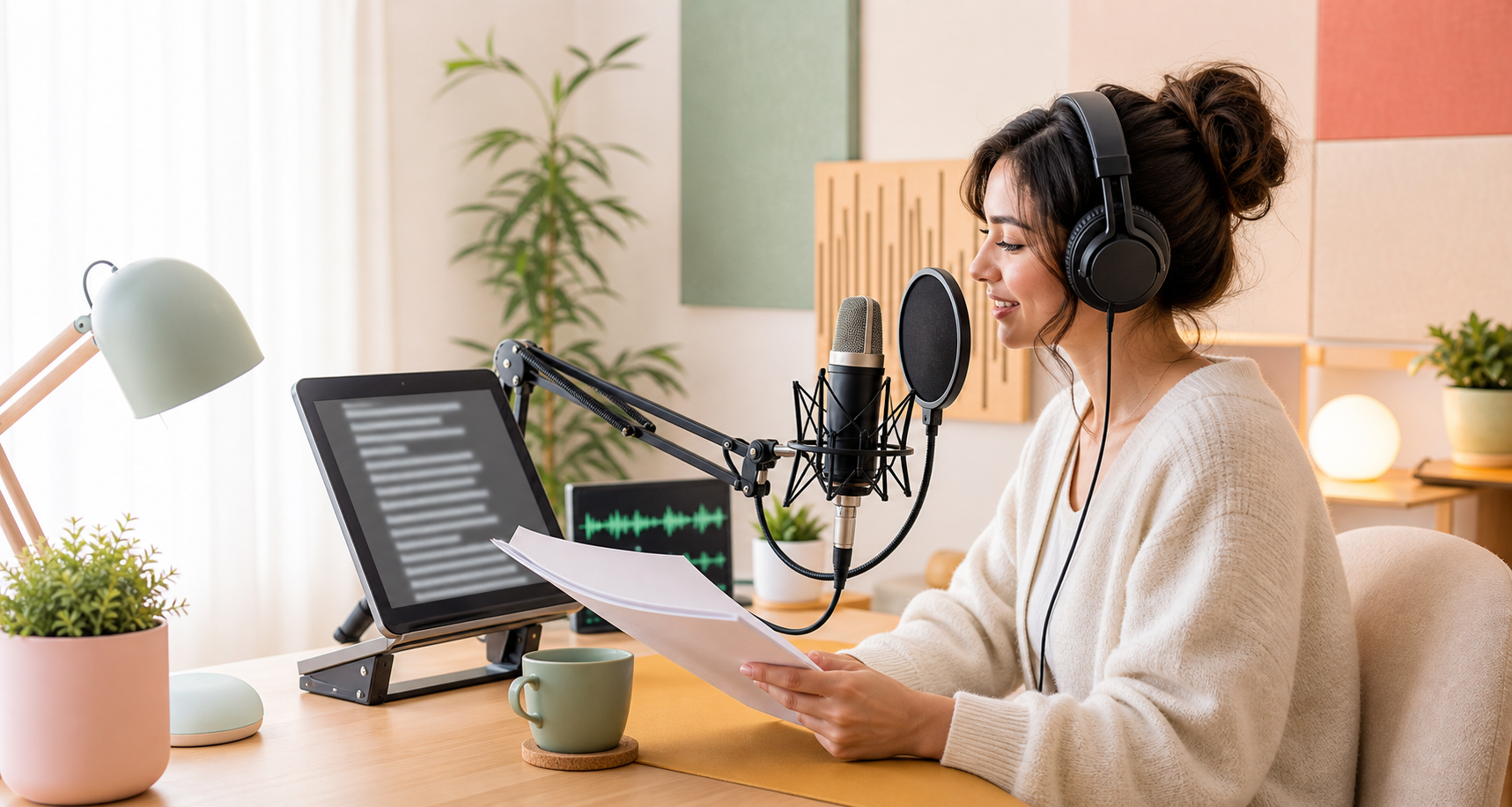
A teleprompter recorder built for long reads: the scroll keeps pace with your speech word by word, focus mode clears the room down to one line, character detection casts your book from its own manuscript, and every narrator records their own lines into the same chapter.
Medrak keeps the read visible, captures each line as structured audio, and lets you punch back without hunting through a DAW timeline.
A focused recording path for creators who need clean narration, not another post production dashboard.
Medrak separates spoken lines from directions and keeps the current line locked in view.
Main takes, alternate takes, and punched fixes stay attached to the sentence they belong to.
Send separated line clips or one continuous WAV to the editor with less cleanup.
You can punch and edit, but the script is separate and line discipline is manual.
Teleprompter focus, automatic line chunks, punch back, alternates, and clean exports.
Good script flow, but no take structure or editor-friendly clip package.
Export structured clips, keep alternates organized, and move into Audition or Premiere without rebuilding the session by hand.
The desktop app checks every take against the script the moment you stop and flags missed or mis-spoken words. The speech model runs on your own PC; nothing is uploaded.
Choose a pre-roll, hear your own cadence lead in, then drop straight into the replacement so the repair matches the delivery around it.
Send one continuous WAV with SRT, separated line clips, or per-narrator stems — alternates stay organized either way.
Use Medrak Recorder when you need to read a script and keep every spoken line connected to the audio file that belongs to it.
Medrak Recorder is a browser teleprompter recorder for script recording: voice over, narration, course audio, podcasts, and audiobook recording. The audio recording stays tied to the script instead of hiding in a timeline.
Each script line can become its own WAV clip, with main takes, alternate takes, punch-back repair, speech-based auto-scroll, and export options for separate clips or one WAV with SRT.
Voice actors, YouTube narrators, educators, audiobook readers, and editors who want script-linked recordings should use Medrak before a DAW or traditional teleprompter app.
Practical guides for creators recording scripted audio, maintained as crawlable static pages.
A clear explanation of why script-linked line recording is different from a normal audio recorder or a traditional teleprompter.
Read guideThe web app now runs the entire studio: audiobooks, casting, prep, and collaboration. Plus new plans from free, and a free Narrator trial on every new account.
Read the updateEvery plan runs in your browser and as a desktop app. New accounts open with a free one-week Narrator trial — audiobooks, casting, proofing and collaboration, no card. When it ends you drop to the free tier: your voice-over projects stay open and nothing is deleted, your books simply wait until you subscribe. AI proofing is desktop-only.
Record on your own script.
No card. Opens with a one-week Narrator trial, then stays free with limits — your projects keep working.
The full solo recorder.
Cancel anytime; access runs to the end of the paid month.
The audiobook studio.
Everything in Creator, plus the whole narration workflow. Free for your first week on every new account.
Run a whole cast.
Everything in Narrator, plus owning multi-narrator productions. Includes 3 guest seats, so your cast records without buying anything.
Prices are in USD. Taxes may apply and will be calculated at checkout. First charges carry a 14-day money-back guarantee under our refund policy. Questions about team licenses or invoicing: medraak11@gmail.com.
Feature requests, rough edges, workflow ideas — it lands straight in the maker's inbox.
local@medrak.test
Signed in with email
Creator plan
The name collaborators see on shared books.
You're on the latest build.
Auto-bill date pending.
0:00 used of 1:00:00
Canceling prevents the automatic bill. Trial access remains local for this MVP.
Read a script, record line by line, keep every take.
Applies on this device, inside the app and focus mode.
Flags missed and mis-spoken words as you record, using a speech model that runs entirely on this computer. Nothing is ever uploaded.
Choose when proofing runs, after every take or only when you ask, in the recorder's Settings panel.
Unlock on-device proofing that flags missed and mis-spoken words the instant you stop recording — running entirely on this computer, nothing ever uploaded.
Powers auto-scroll and karaoke highlight for your recording language. Installs once, then listens fully offline on this computer.
Where downloaded AI and speech models live. Pick a folder on another drive if your system drive is tight — models survive app updates in either location.
Create a project to paste a script and record it line by line, or import a .mdrk package from another machine.
Every spoken line, bound to its own take
Open a recent project, bring one in from a .mdrk file, or start a new script.
Create your first project to start recording line by line.
Pick the workspace that fits the session — every line stays bound to its take.
Finding chapters and cleaning up the text…
Rename, merge, unmerge, split, or untick anything you won't record.
Click a line that is a chapter title. Medrak learns how it's styled and splits the book at every line that matches. Click again to mark it as a Part, a third time to clear. Teach both a Part style and a Chapter style if the book has them.
Click a line that is a chapter or part title.
Paste the book's table of contents, one chapter title per line. Chapters are rebuilt by finding those exact titles in the text — the most reliable fix when detection misreads a conversion.
Recording room
This runs entirely on your device and can take a while — you can leave it running.
Click a line to give it a character or edit it. Type [/n] while editing to split a line where one narrator's part ends. Right-click a line to add a note or split the chapter.
0 spoken lines
Medrak Recorder Desktop keeps every project — scripts and audio — in one folder on this PC. Nothing is uploaded. Pick the folder that will hold your project files.
Recommended: Documents\Medrak Recorder
Medrak Recorder confirms your subscription every few days. Connect to the internet and retry. Your project files remain safe on this PC either way.